

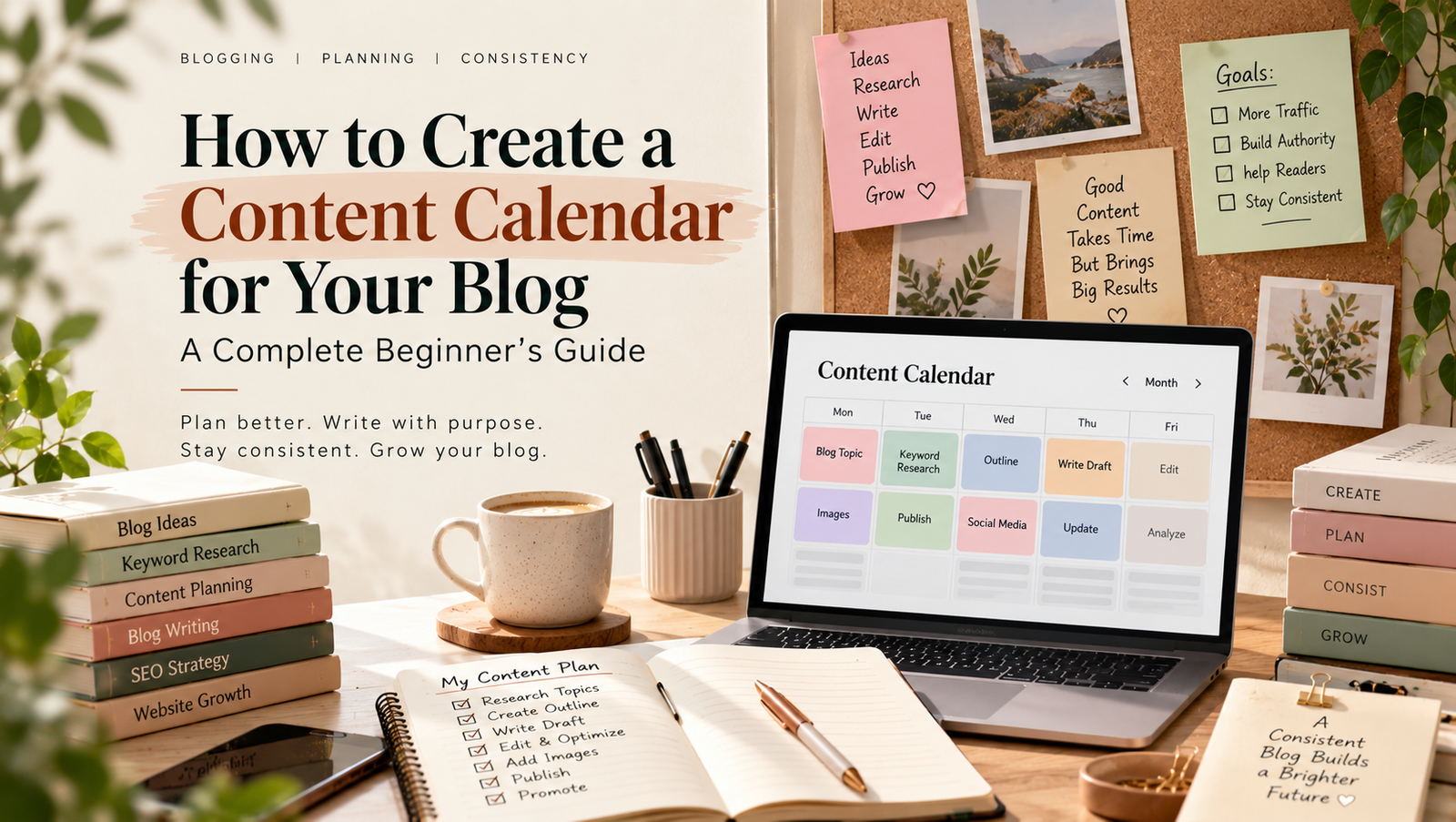
Publishing a blog consistently can feel difficult when you do not know what to write next. One week, you may have many ideas. The next week, you may have nothing planned.
A content calendar for your blog can solve this problem. It gives you a clear place to organize topics, keywords, publishing dates, content goals, and updates. As a result, you can spend less time deciding what to publish and more time creating useful content.
In this guide, you will learn how to create a simple content calendar, choose the right topics, organize your publishing schedule, and keep your blog content moving.
What Is a Content Calendar for Your Blog?
A content calendar is a planning system that shows what you will publish and when you will publish it.
You can create one using a spreadsheet, calendar app, project management tool, or simple document.
A basic calendar can include:
| Content Detail | Example |
|---|---|
| Blog topic | How to Start a Blog |
| Focus keyphrase | start a blog |
| Search intent | Informational |
| Content type | Blog post |
| Draft date | October 10 |
| Editing date | October 12 |
| Publish date | October 14 |
| Status | Ready |
| Promotion | LinkedIn + Pinterest |
You can add more columns as your needs grow.
However, do not make your calendar too complicated at the beginning. The best system is one you can actually maintain.
Why Your Blog Needs a Content Calendar
A content calendar can make blogging more organized.
Without a plan, you may publish random topics. You might also repeat the same subject or forget important content ideas.
A calendar helps you:
- Plan topics in advance
- Maintain a regular publishing schedule
- Organize keywords
- Connect related articles
- Avoid duplicate topics
- Balance different content types
- Track publishing progress
- Plan content promotion
- Remember future updates
It also gives you a bigger picture of your blog.
Instead of looking at one article at a time, you can see how your content fits together.
Set Your Blogging Goal First
Before adding topics to your calendar, decide what you want your blog to achieve.
Your goal could be to:
- Increase organic traffic
- Build authority
- Generate leads
- Educate readers
- Promote a service
- Grow an email list
- Support an online business
- Build a personal brand
Your goal affects the type of content you should create.
For example, a new SEO blog may focus on beginner guides and practical tutorials. A business blog may use educational articles to support its products or services.
Therefore, define the main goal before filling your calendar with topics.
Understand Your Target Audience
Your content calendar should be based on your readers, not just your own ideas.
Think about the people you want to reach.
Ask yourself:
- Who are they?
- What are they trying to learn?
- What problems do they have?
- What questions do they ask?
- What level of knowledge do they have?
- What information can help them?
For example, if your audience includes beginner bloggers, topics such as keyword research, content planning, blog writing, and SEO basics may be useful.
Once you understand your audience, choosing topics becomes much easier.
Find Blog Topics Before Building the Calendar
Now start collecting topic ideas.
You can find ideas through:
- Keyword research
- Google searches
- Reader questions
- Social media discussions
- Competitor research
- Industry trends
- Your own experience
- Existing content gaps
Keyword research is especially useful because it can show what people search for.
You can use your keyword research guide to identify relevant search terms before adding topics to your calendar.
Do not choose a topic only because it has high search volume.
The topic should also match your audience and your website.
Group Related Topics Together
After collecting ideas, group related topics.
For example, a blogging website could have groups such as:
Blogging
- How to Start a Blog
- How to Choose a Blog Topic
- How to Write a Blog Post
SEO
- Keyword Research
- On-Page SEO
- Internal Linking
Content Strategy
- Content Planning
- Content Calendars
- Content Refresh
This approach creates a more organized website.
It can also help you build related content around important subjects.
Your content strategy guide can help you connect topics with broader content goals.
Choose Your Publishing Frequency
You do not need to publish every day.
Instead, choose a schedule that matches your time and resources.
For example:
- One post per week
- Two posts per month
- Three posts per month
- Two posts per week
If you are working alone, one high-quality article each week may be easier to maintain than five rushed posts.
Consistency matters more than publishing as often as possible.
Once you choose your publishing frequency, your calendar becomes easier to fill.
Build Your Monthly Content Calendar
Now you can create your monthly plan.
Start by choosing four to eight topics based on your publishing schedule.
For example:
| Week | Topic | Content Goal |
|---|---|---|
| Week 1 | How to Find Blog Topics | Attract beginners |
| Week 2 | Keyword Research for Blogs | Educate readers |
| Week 3 | How to Create a Content Calendar | Solve a planning problem |
| Week 4 | How to Improve Blog SEO | Build search traffic |
You can also add the focus keyphrase, search intent, status, and promotion channel.
This gives every article a clear purpose.
Match Topics With Search Intent
Search intent describes what a person wants when they search for something.
Common types include:
- Informational
- Commercial
- Transactional
- Navigational
For a beginner blog, informational content may be the most common.
For example, someone searching “what is keyword research” probably wants an explanation.
Someone searching “best keyword research tools” may be comparing options.
Therefore, understand the intent before adding a topic to your calendar.
The article should match what the reader expects to find.
Connect Related Articles
Your calendar should not only list individual posts.
It should also help you plan connections between them.
For example, you could plan:
Main topic: Content Strategy for Your Blog
Supporting articles:
- How to Find Blog Topics
- How to Create a Content Calendar
- How to Choose Blog Keywords
- How to Plan Blog Content
Later, you can connect these pages with internal links.
This creates a stronger content structure and helps readers move from one useful article to another.
For more information, see how to build a blog content workflow.
Add Different Content Types
A content calendar does not have to contain only standard blog posts.
You can include different formats when they fit your goals.
For example:
- Beginner guides
- How-to articles
- List posts
- Case studies
- Tutorials
- Comparisons
- Checklists
- Original research
- Content updates
Different formats can serve different reader needs.
However, choose the format based on the topic. Do not create a list post simply because it looks popular.
Leave Space for New Ideas
A calendar should give you structure, but it should not trap you.
New topics may appear during the month.
A new question from a reader may reveal a useful article idea. A change in your industry may also create an opportunity.
Therefore, leave some space in your calendar.
You can mark a few dates as flexible.
This allows you to add timely topics without completely changing your plan.
Add Writing, Editing, and Publishing Dates
A good calendar should track more than the final publishing date.
For each article, consider adding:
- Research date
- Outline date
- Draft date
- Editing date
- SEO date
- Image date
- Publishing date
- Promotion date
This helps you avoid doing everything at the last minute.
For example, if you want to publish every Monday, you could finish the draft several days earlier.
Then you have time to edit and prepare the article properly.
Use a Simple Status System
A status column can make your calendar easier to manage.
You could use:
- Idea
- Researching
- Outline Ready
- Writing
- Editing
- SEO Ready
- Scheduled
- Published
- Needs Update
This gives you a quick view of where each article stands.
You can also use filters in a spreadsheet to find posts that need attention.
Review Your Calendar Every Week
Your content calendar should not be something you create once and forget.
Review it regularly.
At the end of each week, check:
- What was published?
- What is still in progress?
- What needs editing?
- Are next week’s topics ready?
- Did new ideas appear?
- Do any topics need to change?
This short review keeps your plan realistic.
It also helps you notice problems before they become bigger.
Track Published Content
Once an article goes live, keep it in your calendar.
Add details such as:
- Publication date
- URL
- Main keyword
- Traffic
- Search performance
- Update date
This turns your calendar into more than a planning tool.
It becomes a simple content record.
Later, you can use this information to decide which articles need improvement.
For search performance, you can review your site using Google Search Console.
Update Old Content
Creating new articles is only one part of blogging.
Older content may also need attention.
Information can become outdated. Links can stop working. Search intent can change. You may also discover new information that would make an old article more useful.
Add future update dates to your calendar.
For example:
Published: October 2026
Review: April 2027
A regular review can help you keep important articles useful.
You can also read our content refresh strategy for a structured approach to updating older posts.
Common Content Calendar Mistakes
Planning Too Much Content
Do not create a schedule that you cannot maintain.
Start small and increase your publishing frequency later.
Choosing Topics Randomly
Every article should have a reason for being on your website.
Connect topics with your audience, goals, and content strategy.
Ignoring Search Intent
A keyword alone does not tell you what type of article to write.
Check what users expect to find.
Forgetting Internal Links
Plan related articles so you can connect them later.
Never Updating the Calendar
Your plan should change when your goals, audience, or content opportunities change.
Making the Calendar Too Complicated
You do not need dozens of columns.
Start with the information you actually need.
A Simple Content Calendar Template
Here is a basic structure you can copy into a spreadsheet:
| Date | Topic | Focus Keyphrase | Intent | Status | Promotion | Update |
|---|---|---|---|---|---|---|
| Oct 5 | Blog Topic Ideas | blog topics | Informational | Published | Apr 2027 | |
| Oct 12 | Keyword Research | keyword research | Informational | Writing | Apr 2027 | |
| Oct 19 | Content Planning | content planning | Informational | Researching | May 2027 | |
| Oct 26 | Blog SEO | blog SEO | Informational | Idea | May 2027 |
You can add columns for author, category, URL, word count, or traffic when needed.
Start with a simple version. You can expand it later
A content calendar for your blog gives you a simple way to plan, organize, and manage your content.
Start by defining your blogging goal and understanding your audience. Then collect topic ideas, research keywords, group related subjects, and choose a realistic publishing schedule.
Next, add topics to your calendar and include important details such as search intent, focus keyphrase, writing dates, publishing dates, and promotion tasks.
Finally, review your calendar regularly and keep space for new ideas.
You do not need a perfect plan.
You need a practical system that helps you publish useful content consistently.
Add a Comment